
Copilot in Teams (Facilitator Agent)
- Automatically summarizes meetings and highlights key points.
- Identifies tasks, decisions, and next steps in real time.
- Helps you catch up even if you didn’t attend the meeting.
- Generates summaries, including audio summaries or an overall recap.
Copilot in Teams (Facilitator Agent)
- Automatically summarizes meetings and highlights key points.
- Identifies tasks, decisions, and next steps in real time.
- Helps you catch up even if you didn’t attend the meeting.
- Generates summaries, including audio summaries or an overall recap.
Copilot in Word
- Generates complete documents from an idea or prompt.
- Rewrites, summarizes, and improves existing text.
- Carries out tasks directly within the document — not just suggestions —thanks to agent mode.
- Uses internal and external content as context to create more complete documents.
Copilot in Excel
- Applies changes directly in spreadsheets.
- Analyzes data without the need for advanced formulas.
- Automatically detects patterns, trends, and anomalies.
- Generates charts and visualizations in seconds.
Copilot in PowerPoint
- Creates complete presentations from documents or ideas.
- Executes complex changes across the entire deck thanks to agent capabilities.
- Summarizes content and turns it into structured slides.
- Maintains corporate branding and visual consistency.
And its native Agents
Copilot Analyst Agent
- Analyzes large volumes of data and automatically detects patterns.
- Generates insights and explanations in natural language, without the need for complex formulas.
- Creates visualizations and models directly from the data.
- Runs complete analyses autonomously.
Copilot Researcher agent
- Conducts complex research by combining multiple sources of information.
- Generates structured summaries and ready-to-use comparisons.
- Cross-checks information and improves response quality using multiple models.
Copilot Cowork
- Acts as an intelligent coworker, collaborating on day-to-day tasks in real time.
- Helps create, review, and improve documents, emails, and content faster and more consistently.
- Integrates with Microsoft 365 tools to provide context, automate processes, and support decision-making.
- Fast deployment on the existing Microsoft 365 environment, although a prior phase of data, security, and adoption readiness is required to ensure results.
- Evolution towards an agent-based AI model, capable of automating tasks, coordinating processes, and executing actions within the work environment.
- Uses advanced large language models (LLMs) combined with organizational context to generate accurate, relevant, and actionable responses.

Microsoft 365 Copilot can transform team productivity, but its impact depends on how well your Microsoft 365 environment is prepared. Before deploying it, it is essential to review security, permissions, sensitive information, data governance, and the use cases that will truly deliver business value.
At Softeng, we support companies in the adoption of Microsoft 365 Copilot so they can maximize its potential while reducing risk.
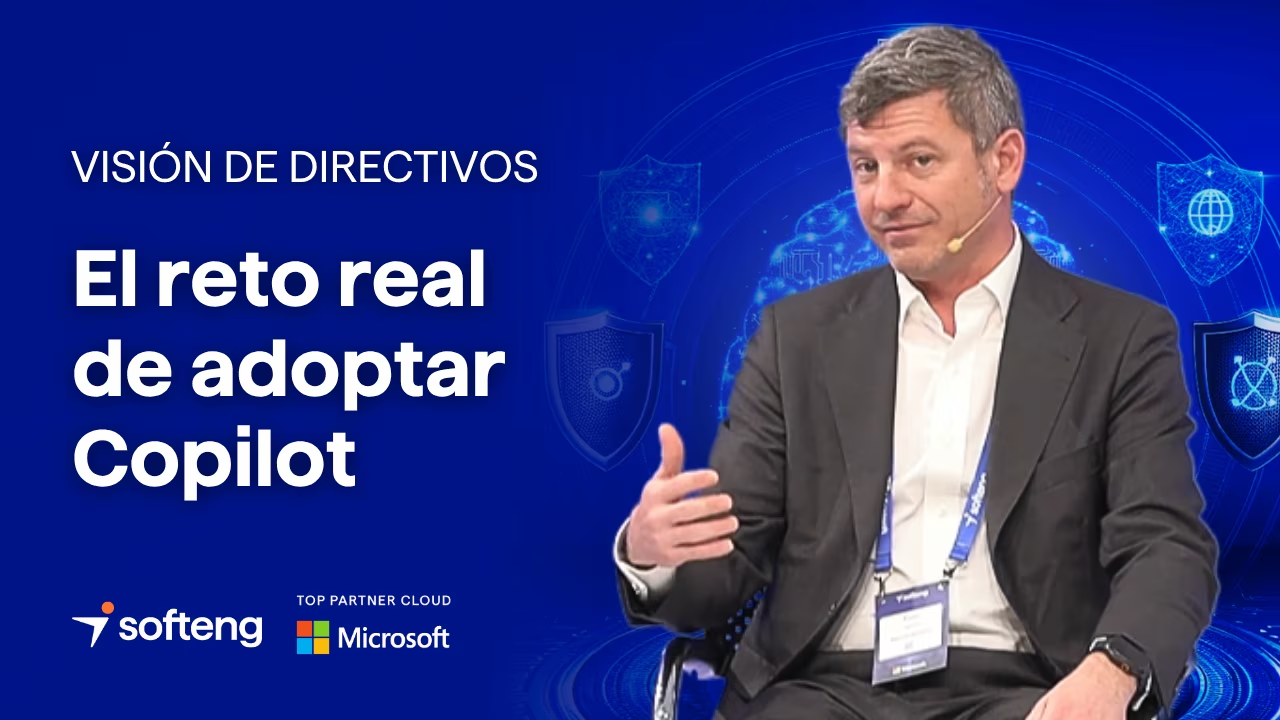

“We understood that real change was not just about technology, but about people. That’s why we drove Copilot adoption as a lever to empower them and accelerate value across the organization.”







Book a strategic session with our experts.
Frequently Asked Questions
about Microsoft 365 Copilot:
What is the difference between Copilot Chat and Microsoft 365 Copilot?
The main difference lies in the context they work with and their level of enterprise integration:
- Copilot Chat is Microsoft’s general AI assistant. It is designed for queries, text generation, or one-off task support, and works independently — on the web, in an app, or in the browser — without direct access to the organization’s internal context.
- Microsoft 365 Copilot, on the other hand, is integrated into tools such as Teams, Outlook, Word, Excel, and PowerPoint, and works with the company’s data and documents. This enables it to support real day-to-day tasks, such as drafting documents, summarizing meetings, analyzing information, or automating processes.
What is Microsoft 365 Copilot and what is it used for in a company?
Microsoft 365 Copilot is the AI assistant integrated into Microsoft 365 applications, designed to help teams work faster and more efficiently.
It can draft content, summarize meetings, analyze data, prepare presentations, and automate daily tasks using the organization’s work context.
What do I need to adopt Microsoft 365 Copilot in my company?
To implement Microsoft 365 Copilot, it is important to review both licensing and the readiness of your Microsoft 365 environment.
Before enabling it, you should validate areas such as security, permissions, data quality, user adoption, and the definition of priority use cases.
Is it safe to use Microsoft 365 Copilot with sensitive information?
Microsoft 365 Copilot relies on the security, privacy, and compliance capabilities of Microsoft 365.
Even so, to maximize value with confidence, it is essential to have the right permissions configuration, data protection, information governance, and usage policies in place.
Can Microsoft 365 Copilot be integrated with other systems or data sources?
Yes. Microsoft 365 Copilot can expand its context through connectors, integrations, and agents to work with both internal and external information.
In more advanced scenarios, these capabilities can also be extended with tools such as Microsoft Copilot Studio, provided that a secure architecture, strong data governance, and clear business use cases are defined.
Why is it important to implement Microsoft 365 Copilot with the help of a partner?
If you are considering Microsoft 365 Copilot, the best approach is to work with a partner specialized in AI solutions. They can help you define the highest-impact use cases, prepare your Microsoft 365 environment, and design a secure, effective adoption strategy.